


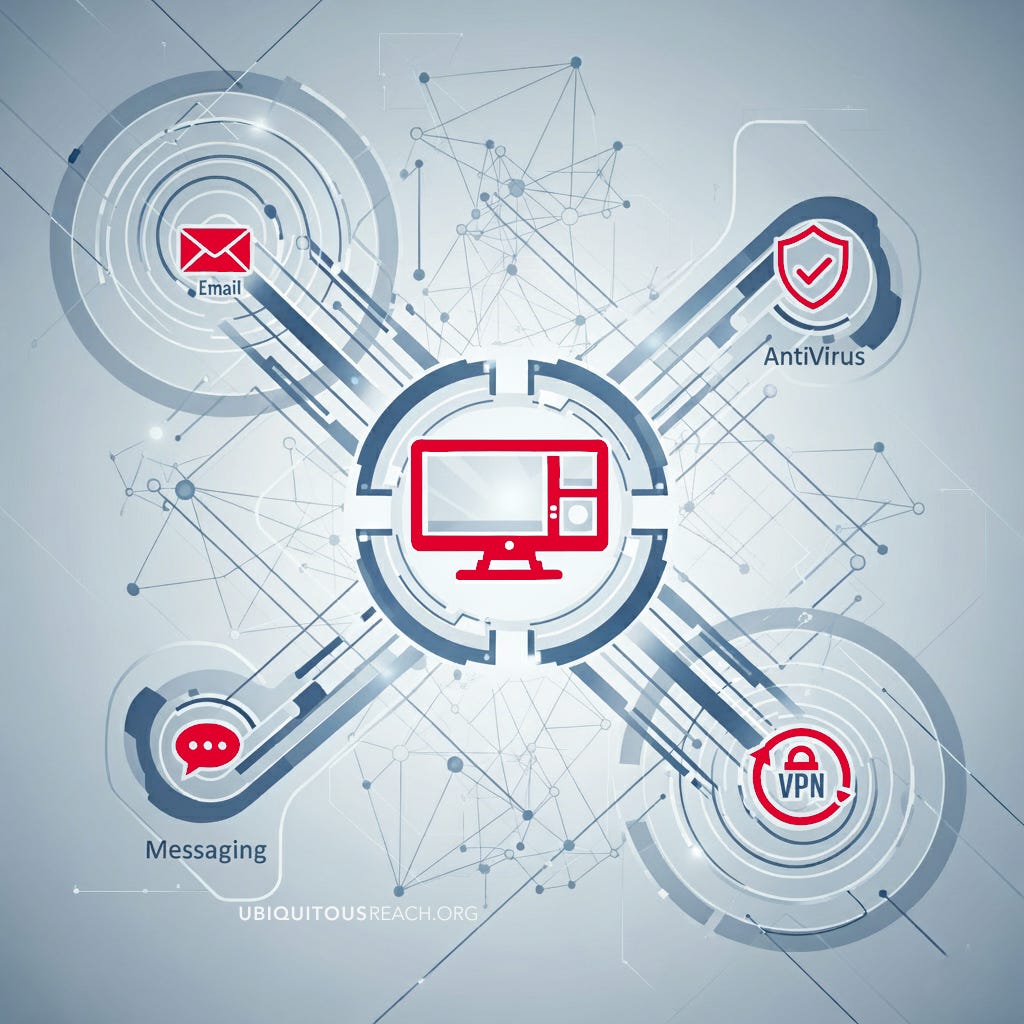
Introduction
No one is 100% safe online. By its very nature browsing the web, being on social media, sending emails and private messaging does involved an element of risk. But with some small changes we can ensure your digital security is robust.
Without the correct safeguards in place, large volumes of data is collected about you as you interact in a digital world. It’s collected, stored and traded via various third party data brokers to build a larger digital profile of you and criminals will use it to target you via email fishing attempts, fake text messages saying it’s from a family member who has lost their phone and needs help, phone calls trying saying they are from the bank or worse unwittingly becoming a victim of identity theft without even knowing it until a legal notice arrives or your bank account is suddenly empty.
Simultaneous to that criminality element, there is an increase of governments across the world, especially in the UK, in their citizen monitoring programs and stasi style Police enforcement to restrict freedoms if you do not conform to the government accepted narrative. So with these two areas in mind; criminals and government monitoring, it’s never been a better time to start improving your security, privacy and keeping your digital footprint to a minimum.
Some of these actions cost you nothing but a few minutes effort and a change in behaviour but once you get used it, it becomes second nature and it’s really easy. Some other actions are available for a minimal outlay. So this first of 3 articles starts with some good basic advice in a number of areas that are part of a ‘defence in depth’ approach to keeping you, your data and your privacy safe online.
Your Laptop / Desktop
There are many things you can do to improve your security on your main desktop or laptop and include;
Encrypt your hard drive using the tools within your Operating System. On Apple devices it’s FileVault and on Windows its BitLocker Drive Encryption. This means that even if someone stole you laptop and removed the hard drive or accessed an external drive, the data is encrypted and they cant read it without the host device.
Keep up with all updates across all devices from firmware on routers to your phone OS updates. Even the security conscious Apple have had to put out a few emergency updates in the past for vulnerabilities found in their software.
Dedicated admin logins are essential when you need to take your device for repair. You don’t ever give a repair person your password and effectively free access to your machine. Create a dedicated admin user for that purpose and remember to delete it afterwards.
Use a non Admin profile as your daily user because many viruses and malicious programs require administrator privileges to perform maximum damage. If your standard user account is compromised, the malware's ability to act is limited to that user's files and settings. It cannot easily modify core system files, install software for all users, or create new administrative accounts. This compartmentalises the damage and makes it easier to clean up a potential infection.
Turn off bluetooth when not in use. It's a simple and effective security measure that helps protect your devices from potential attacks and privacy risks. Hackers can exploit vulnerabilities to intercept data transmitted over Bluetooth. This is especially a concern for devices that use older or less secure Bluetooth protocols. While newer Bluetooth versions have better encryption, older devices may still be at risk.
Virus Protection
Modern antivirus isn't just about viruses. It's about a complete cybersecurity suite that protects you from a variety of threats, including ransomware, spyware, phishing scams, and zero-day exploits.
Microsoft Defender for Windows users has evolved into a reliable security tool. It's built into the operating system, is completely free, and provides real-time protection against a wide range of threats. While it may not have all the extra features of a paid suite, it's often more than sufficient for general use and has good third-party lab test scores.
Bitdefender Antivirus Free is considered as another good choice for a free antivirus. Available on Mac, PC and Android it uses the same excellent malware detection engine as the paid version, providing powerful, real-time protection without annoying pop-ups or a heavy system impact. Its simple and effective.
AVG AntiVirus is another free alternative that has a good detection engine but they do push you hard to upgrade to their paid option.
Kaspersky and TotalAV are two other top-rated antivirus providers. Kaspersky is known for its excellent detection rates, while TotalAV is a rising star that has received praise for its user-friendly interface and comprehensive features, which often include a VPN and system tune-up tools in their paid versions.
Norton and McAfee have been around for decades and are a solid paid for service. Norton provides excellent protection against viruses, malware, and ransomware. Its packages are feature-rich, often including a VPN (also covered below), a password manager, cloud backup, and parental controls. Its performance impact on a system is consistently rated as very low.
Be aware that free versions of antivirus often have limitations. They may lack key features like phishing protection, a firewall, or ransomware remediation. While they are great for malware detection, a paid suite offers a more complete, multi-layered defense system. The included tools like VPNs and password managers can often justify the cost if you would have purchased those services separately.
Your Mobile Phone OS
Your Operating System is a critical choice when it comes to privacy and security and there are in reality two main options available and in order of security and privacy are as follows;
Apple are famous for their security and for the average user is an excellent choice above stock Android devices. Yes they will monitor you and send data back to Apple servers but they are, in our opinion, still a better option than some stock Android and have proven recently that they will now bow to government pressure to give back door access to anyone.
Android phones are an extension of Google's business model, which relies on data collection for targeted advertising and monitoring to build your profile, so there will be an endless stream of telemetry and diagnostic data back to Google's servers. Also specific manufacturers add their own software on top, so data such as location history, app usage, and other personal information will be sent back to them. Ironically this will also have to be paid for in your data plan so you are paying for the privilege of being monitored and targeted!
Your Mobile Phone Usage
Lock your phone sounds basic but its one of your best first step for defence. Create a strong passcode, PIN, or even better biometric security like Face ID or fingerprint recognition. Also, set your phone to auto-lock after a short period of inactivity (e.g., 30 seconds or one minute) to prevent unauthorised access if your phone is left unattended
Turn off Wi-Fi and Bluetooth when you're not using them. Just like with Bluetooth, leaving your Wi-Fi on in a public space can make you vulnerable to attacks. Turning off these radios when you don't need them saves battery and reduces your attack surface.
Set up a remote lock and erase feature. Both Apple's 'Find My' and Google's 'Find My Device' allow you to remotely locate, lock, or completely wipe your phone in case it is lost or stolen. Setting this up beforehand ensures that your personal data won't fall into the wrong hands.
Only download apps from official app stores. The Apple App Store and Google Play Store have security measures in place to vet apps for malware. Downloading apps from third-party websites or unofficial stores bypasses these protections and significantly increases your risk of installing malicious software.
Restrict apps from accessing your entire phone. Within the settings area of all devices you can disallow them to have access to all your contacts and trace where you are what you are doing. Some apps like eBay do not function unless you give them full access to your phone. Don’t be tempted, use a desktop and browser to access if you need to.
Email & Behaviour
We all use email and we have some vital tips for both your personal and professional life.
Proton Mail and Tuta Mail are good free secure alternative email clients or Mailfence which also has Calendar and Documents. Using one of these products has secure end-to-end encryption (E2EE), zero-knowledge encryption and the fact that they are not ad-supported and don't scan your emails.
Have separate email accounts will limit the damage in the event of a single data breach and lets be honest it will happen to all of us at some point, even if its not your fault directly.
Primary/Personal: For family, friends, and important personal matters (banking, government). This one should be highly secured with a strong password and 2FA.
Shopping/Junk: For newsletters, retail sites, and anything that might lead to spam. This is your "burner" account for less-trusted services.
Utilities/Bills: A separate account for essential services like electricity, internet, and phone bills to keep them organised and separate from marketing emails.
Utilise "Hide My Email" which is a privacy feature with Apple that allows you to utilise unique, randomly generated email addresses for when you may sign up for websites, newsletters, or apps. Instead of providing your real email address, you use one of these "burner" addresses, which then automatically forwards messages to your actual email inbox. DuckDuckGo's Email Protection also offers a forwarding service that removes trackers from emails before they reach your inbox if you do not use Apples iOS.
Consider a phone call before opening any attachments that although it looks to be from a trusted work colleague or friend, it could be a message from a hacked account. Think for a moment if its something your are specifically expecting and is their normal behaviour and language. A phone call is never a bad option!
Act fast if something seems wrong such as opening a file and it doesn't seem to work, or your computer behaves strangely, act immediately. Disconnect your device from all networks (unplug the Ethernet cable or turn off Wi-Fi) to prevent potential malware from spreading or sending out your data. Shut down your computer. If you are in a workplace, contact your IT department immediately. If you are a home user, seek professional IT help.
Instant Messaging
WhatsApp is not as good as you think and although it correctly trumpets its use of the Signal open source messaging code so the content of your messages is private, Meta still collects a substantial amount of metadata all around it including who you are talking to, when you send a message, your location and device information. This data is shared with Meta and can be used for business purposes, including ad targeting. Its use is widespread but if you can persuade work, friends and family to move to Signal its a better privacy solution.
Signal gives you a great standard for security of messaging. Signal is run by the Signal Foundation, a non-profit. This is a key differentiator from companies like Meta (WhatsApp) and Apple, which are corporations with different business incentives. Signal is designed to collect as little user data as possible. Both the client app and the server software are open source which allows security experts and the general public to inspect the code for vulnerabilities and backdoors, which builds trust in this as a secure messaging solution. They don't even store your message history on their servers; it's all on your device. This is a critical point that contrasts directly with the Meta version (WhatsApp).
iMessage is excellent if you are on an Apple device messaging other Apple users but when you send a message from an iPhone to an Android user, it falls back to an unencrypted SMS message. This is a major security vulnerability for cross-platform communication. So for secure cross-platform conversations, it's best to switch to a universal, end-to-end encrypted app like Signal.
VPNs
VPNs have been around for some time but with the new UK legislation they have become increasingly popular to keep your online activity private and avoid restrictions on access. A brief explanation is that a Virtual Private Network creates a secure, encrypted "tunnel" from your device to the providers servers in another country which then accesses the internet from there. It also hides your IP address and making your online activity more private.
ProtonVPN is based in Switzerland, a country with some of the world's strongest privacy laws. The app is quick and easy to setup on both desktop and mobile versions. It offers a free plan with unlimited data, no ads and a strict no-logs policy which has been independently audited. Even the free plan comes with good security features like a kill switch (which prevents your IP from leaking if the VPN connection drops) and strong encryption protocols like WireGuard.
NordVPN is an excellent paid solution that has more features with a vast number of servers in many countries, which can lead to faster speeds and more options for bypassing geo-restrictions. One unique features is a "Double VPN" which is routing your traffic through two separate VPN servers for an extra layer of encryption. Nord also has built-in ad, malware, and tracker blocker, which adds another layer of security beyond just the VPN tunnel.
Do your homework with VPNs as in the past they have been owned/operated via proxy by governments and institutions where logs were kept despite their alleged ‘audited’ no logs policy and have been turned over to the authorities. Check on the country where a VPN company is based. Some countries are part of international surveillance alliances (like the "14 Eyes Alliance") and may have laws that force companies to log and hand over user data. Switzerland (ProtonVPN's location) and Panama (NordVPN's location) are often cited as good jurisdictions because of their strong privacy laws.
Cables & Ports
Network cables might be considered old and antiquated but they are much more secure than having a publicly broadcast home or wifi network which is like a flashing light to hackers. If you can, then change to a wired home.
Disable USB ports Be cautious of USB devices. Never plug a USB stick you found into your computer, as it could be a 'badUSB' device designed to inject malware or act as a keyboard to execute malicious commands.
Don’t share a charging cable if anyone requests you to do so. Only use your charging own charging cable purchased from the official store of your device supplier. Be aware if you connect to someone else’s cable, it could be connected to a computer or a transmitting device in the plug, so you have just given access to your entire device and the data can be harvested or software installed on your phone without you knowing.
In subsequent parts we will be providing advice for Browsers, Web Searching and using public wifi.